
Connect. Interact. Collaborate.

Interactive Whiteboard

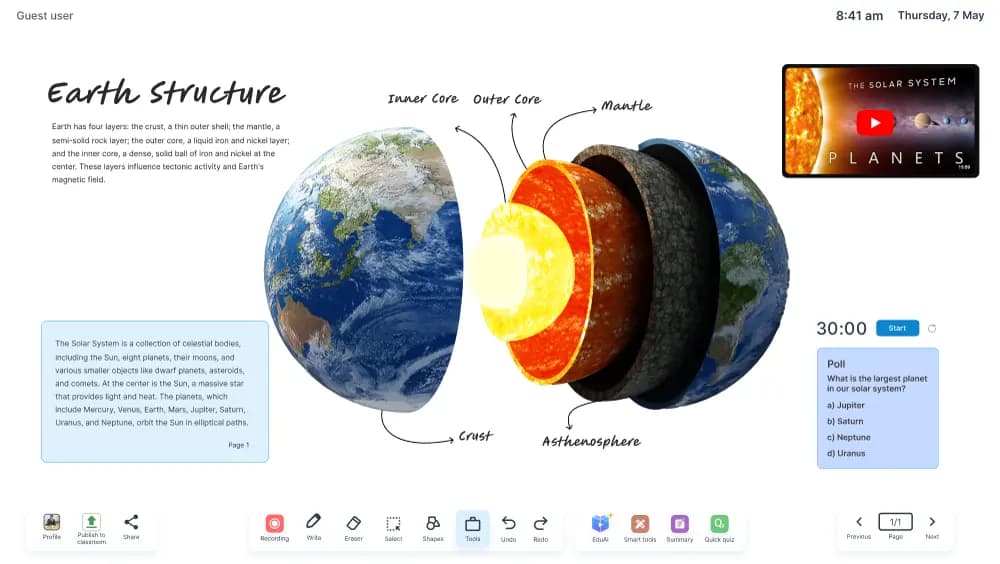
Elevate your teaching with our AI-powered interactive whiteboard. Featuring an infinite canvas, smart tools including simulations, graphs, periodic table, calculator and dictionary. Real-time annotation, split-screen teaching, live classes, voice command control, and the ability to import videos, images & PDFs directly to the whiteboard.

Interactive Whiteboard

How schools use Whiteboard

Interactive Whiteboard is evaluated as part of a complete classroom workflow, not as a standalone device. FSquare looks at teacher preparation, lesson delivery, student interaction, content sharing, support responsibilities, and the way the product fits into existing academic routines.

During rollout, the practical details matter: room readiness, connectivity, accessibility, staff training, device policies, and the handover path for school administrators. A clear implementation plan helps teachers adopt the tool with confidence and gives leadership a measurable path for improving classroom engagement.

Best fit

This product is a strong fit for schools that want connected teaching spaces, clearer classroom participation, better digital content delivery, and a support model that keeps teachers moving after installation.

Key Features

Infinite Canvas
Smart Tools (Simulations, Graphs, Periodic Table)
Real-Time Annotation
Split-Screen Teaching
Live Classes & Recording
Voice Command Control
Import Videos, Images & PDFs
2D & 3D Shape Generation
Customizable Background Themes
Screen Record & Share